
Hatching without the boundary search: every loop is built from the objects themselves, cleaned, nested into areas and islands, and hatched in chunks - big drawings do not stall it, and every loop it does not hatch is reported with the reason. Plain AutoCAD.
Built loop / hatch
Problem found and reported
What it does
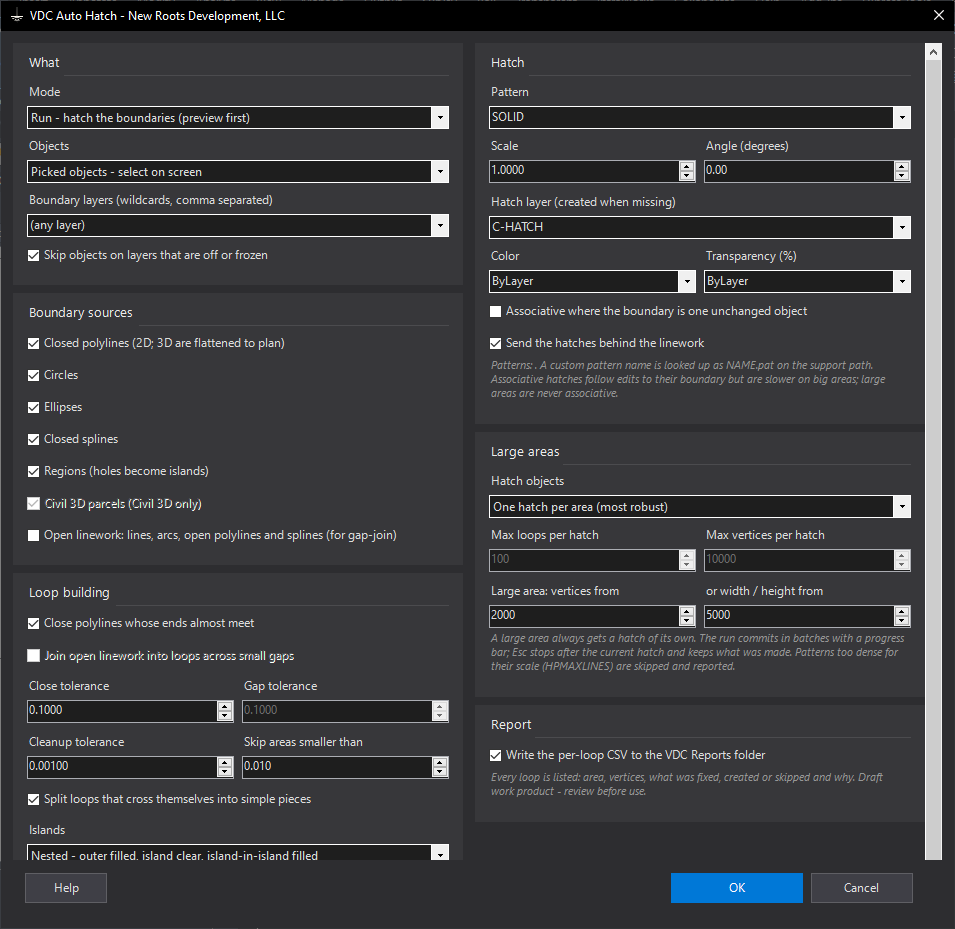
- Sources: closed polylines (3D projected), circles, ellipses, closed splines, regions (holes = islands), Civil 3D parcels; open lines / arcs / polylines when gap-join is on.
- Loops: near-closed polylines closed; open pieces chained where ends are within the gap tolerance (stops at a node where 3+ ends meet); duplicate / collinear / spike vertices removed; bow-ties split.
- Islands by containment nesting (outer, island, island-in-island) or outermost only; duplicates hatched once; partial overlaps hatched separately.
- Chunking: one hatch per area (or combined small areas); large areas alone and non-associative; batches of 20 committed with a progress bar; Esc stops cleanly.
- Preview counts before Apply; CSV of every loop: area, vertices, fixes, created / skipped / failed and why.
Watch for
- Window keeps objects fully inside it; Extents takes the whole current space.
- A pattern too dense for its scale (HPMAXLINES) is skipped - raise the scale.
- Associative only where the loop is one unchanged object. Take off removes only this tool's hatches. Settings
%APPDATA%\VDC\AutoHatch\settings.json.
Dialog
VDCAUTOHATCH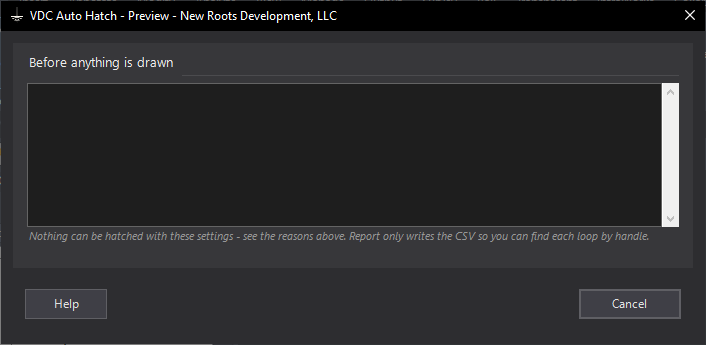
VDCAUTOHATCHWhen to use it
- A site-wide hatch (pavement, open space, wetlands, lots) where HATCH hangs or says no valid boundary.
- Linework with small gaps or messy polylines that HATCH refuses or leaks through.
- Many areas at once - every closed polyline on a layer, every parcel.
How to run it
- Run VDCAUTOHATCH - pick the objects scope, the sources, the tolerances and the pattern.
- Select the boundaries (or window them / take the extents).
- Read the preview: areas, islands, hatch objects, skips by reason. Apply (or Report only).
- Watch the progress bar; Esc stops after the current hatch. Read the summary and the CSV.
Options
- Close / gap tolerance: ends closer than this are joined; a wider gap is reported, never guessed across.
- Islands: nested (outer filled, island clear, island-in-island filled) or outermost only.
- Hatch objects: one per area (most robust) or combine small areas; a large area always stands alone and is never associative.
- Associative: only where the loop is one unchanged object; anything rebuilt is hatched from its loop.
- Take off: removes the hatches this tool made; linework is never touched.
Watch out for
- Where more than two line ends meet the chain stops - draw that area as a closed polyline or use the parcel.
- Window keeps objects FULLY inside the window; Extents takes everything in the current space.
- A pattern too dense for its scale (HPMAXLINES) is skipped and reported - raise the scale or use SOLID.
- Areas are plan areas in drawing units; the summary's acres assume a drawing in feet.
Related: Cover Sheet Fill · Quantity Takeoff · Clean DWG