VDCSHEETQC is part of Batch Re-Path Sheet Set Layouts; the full section follows.
The Sheet Set Manager family: re-path, renumber, audit, derived sets, shared sheets. A sheet's identity lives in three places at once, the set's number, the layout tab, the title block, and these keep the three together.
What they do
- Sheet Set Paths re-links the checked sheets in one pass: re-point at ONE drawing (by expected layout name or by TITLE, which heals copy-named layouts), find/replace path text, or relink MISSING sheets from a folder scan.
- Sheet Numbers batch renumbers, insert-and-shift for the agency-comment-adds-a-sheet case, resequence in grid order, prefix recode, or grid-typed numbers, and cascades: layout tabs rename to a pattern, title-block numbers rewrite (field-driven blocks left to update themselves), and a stale-reference scan reports typed "SEE SHEET" text still carrying old numbers.
- Sheet Set QC audits read-only: duplicate numbers, missing drawings/layouts, layout-name and tab-order drift, title blocks disagreeing with the set, full scan funnel, CSV to VDC Reports.
- Sheet Set Mirror keeps permit/bid/phase subsets synced one-way from a master, same layouts referenced, nothing copied, selection saved beside the derived .dst.
- Sheet Share imports existing layouts, even ones another set claims (shared standard details), with the claiming set named per layout.
Good to know
- Everything previews first; Apply backs the
.dstup beside itself and writes under the Sheet Set Manager lock, a set another seat holds is reported by owner, not fought over. - The renumberer pre-flights every drawing's lock before anything writes, a half-renamed set can't happen from a locked file; every touched drawing gets a timestamped backup.
- Collision checks run over the WHOLE set, a planned number landing on any sheet's number kills that change, never a duplicate.
- VDCSHEETPROBE (command line) verifies the write APIs on scratch files, run once per seat before the first Mirror/Share.
- Family settings (title-block identity, layout-name pattern) in
%APPDATA%\VDC\SheetSet\. Pure AutoCAD (both bundles). Ribbon: VDC Sheets → Sheets (Paths) and VDC Sheets → Sheet Sets (the rest).
Dialog

VDCSHEETPATH
VDCSHEETNUM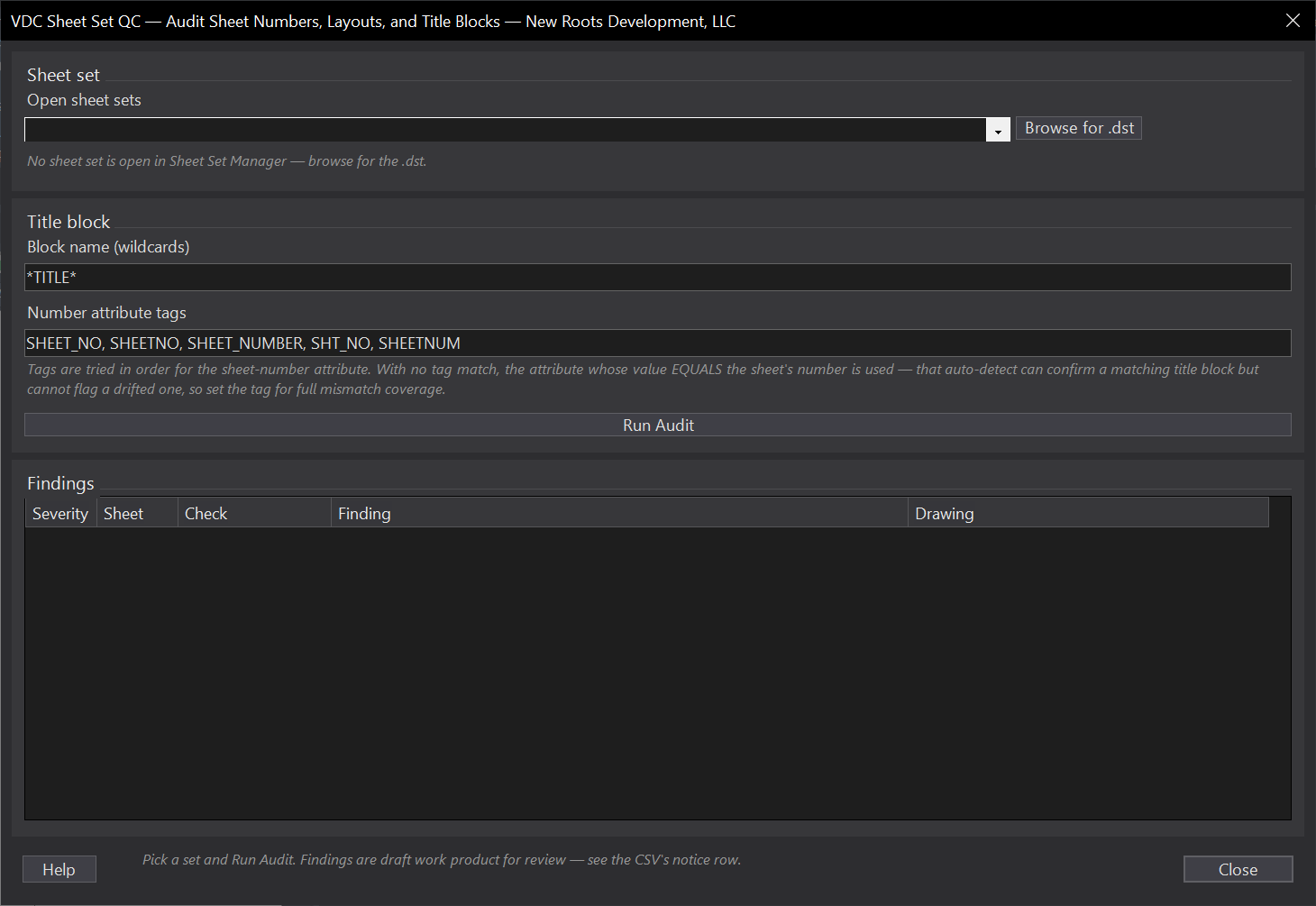
VDCSHEETQC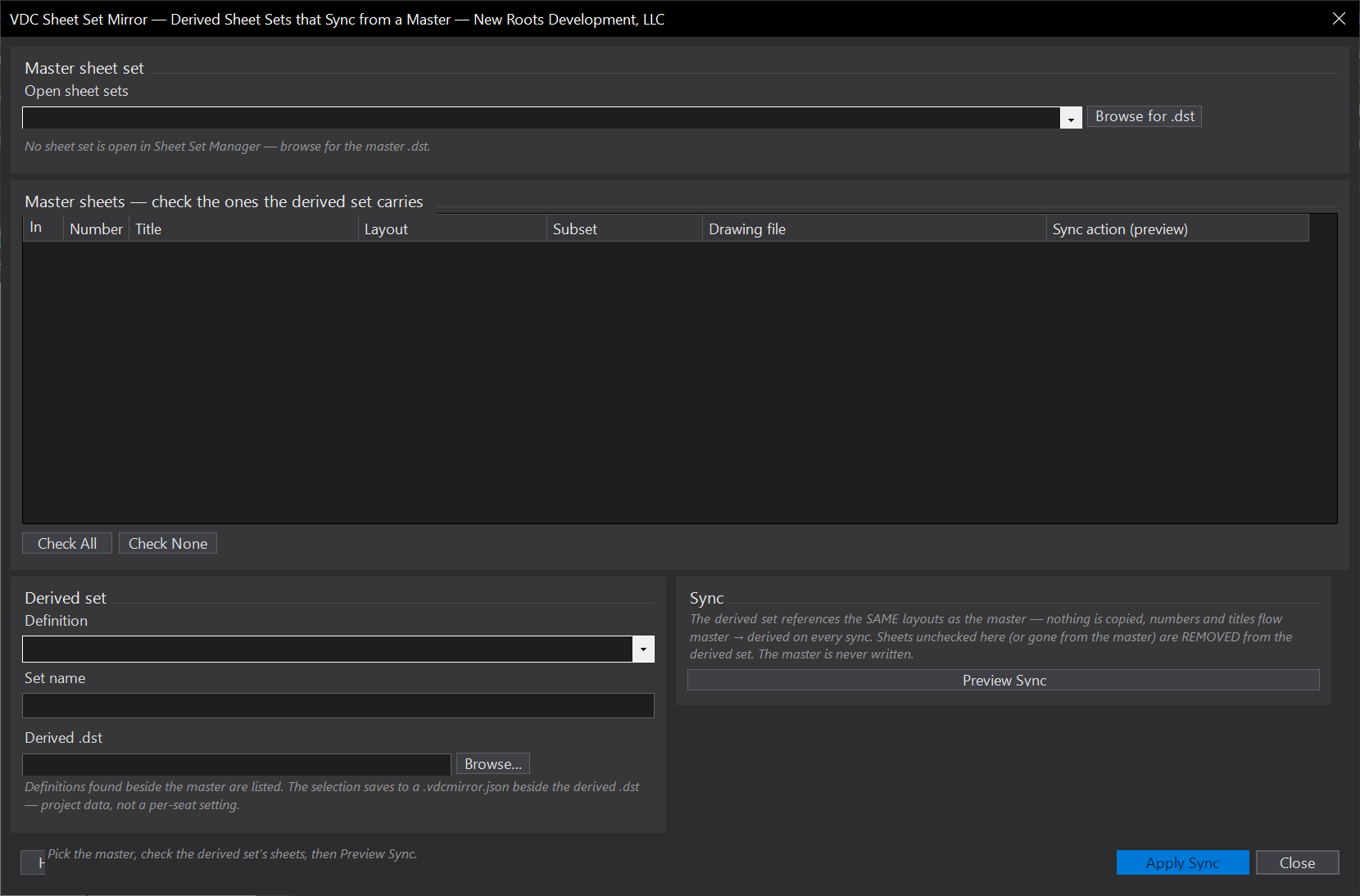
VDCSHEETMIRROR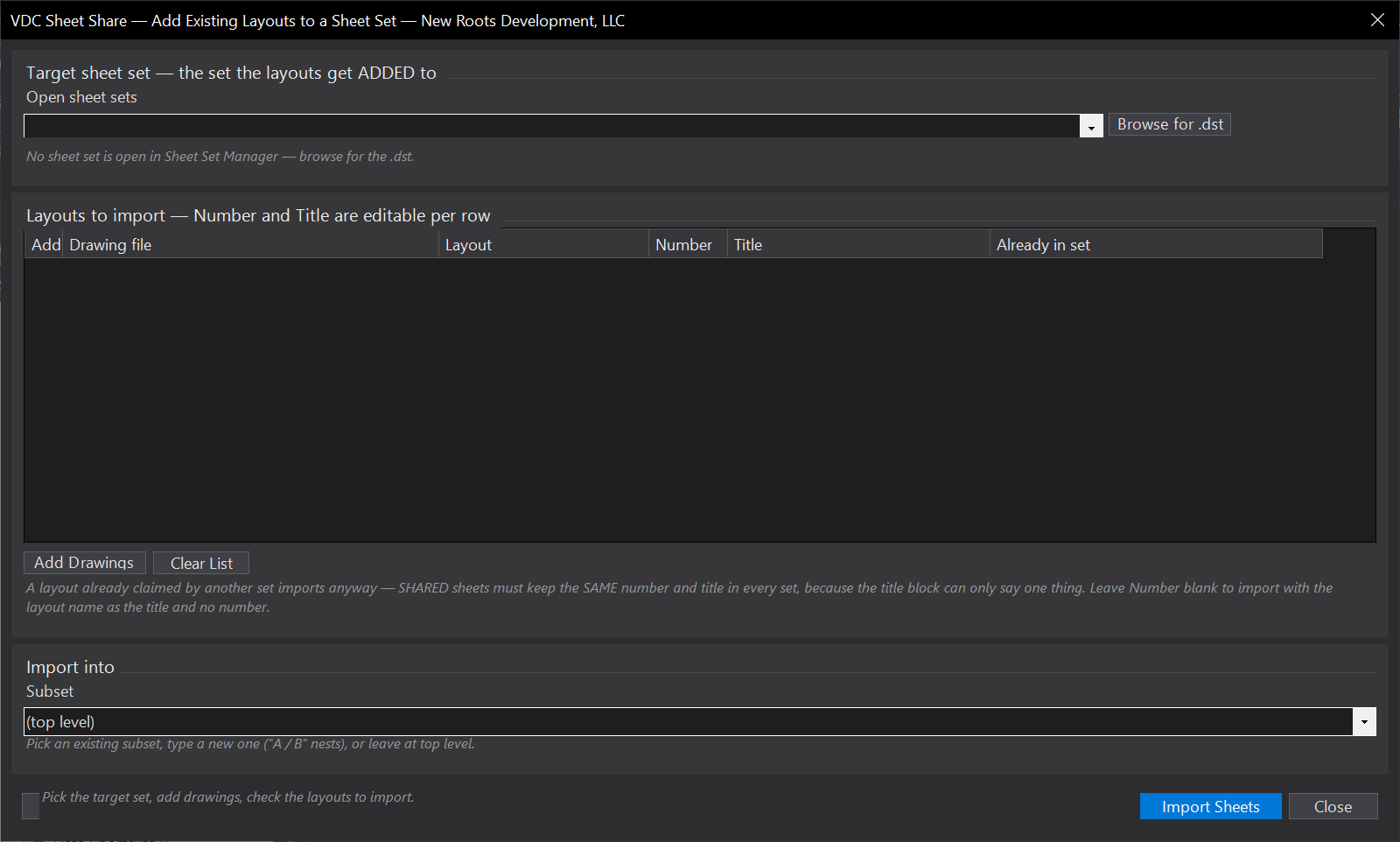
VDCSHEETSHAREVDCSHEETPROBE, No dialog, prints the sheet set probe to the command line.When to use it
- A discipline set was consolidated - thirty sheets now live as layouts in one drawing and the sheet set still points at the old files.
- The project folder moved or was renamed and every sheet in the set reports its layout missing.
- Sheets scattered across renamed drawings need finding again - scan the project folder instead of hunting file by file.
How to run it
- Run VDCSHEETPATH; pick the sheet set (sets open in Sheet Set Manager are listed - or browse for the .dst).
- Check the rows to fix - Check All / Check None / Check Missing Only.
- Fill in ONE fix: the target drawing (Fix 1), the find/replace text (Fix 2), or the folder to scan (Fix 3) - then its Preview button.
- Review the New path column - rows that can't change say why - then Apply Changes. The backup lands beside the .dst.
Options
- Fix 1 - Re-point to one drawing: each checked sheet re-links to the target's layout matched by the sheet's expected LAYOUT NAME (default) or by its TITLE - the title key also renames a copy-named expected layout (PLAN 21 (3)) to the matched one; no match = reported, untouched.
- Fix 2 - Replace path text: case-insensitive text swap in each checked sheet's path - the moved-folder fix.
- Fix 3 - Relink from folder scan: each MISSING sheet links to the one scanned drawing containing its expected layout; zero or several candidates are reported, never guessed.
Watch out for
- A sheet set locked by another user is reported and left alone - close it there (or wait) and re-run.
- Layout NAMES are the matching key for Fixes 1 and 3 - if layouts were renamed too, fix the names first or use Fix 2 on the path text.
- The tool edits the sheet set only, never the drawings; a re-pointed sheet whose target layout is later renamed goes missing again.
Related: Sheet Gen · Sheet Frames · Xref Fix