Two texts ship in the root of every bundle and open from inside Civil 3D: the End User License Agreement (
EULA.txt) and the privacy policy (PRIVACY.txt, the same text as newrootsdevelopment.co/privacy.html). Both also sit in the drop-down of the Command Reference split button on every VDC tab's Help panel. Nothing here talks to the network.VDCEULA, the license agreement
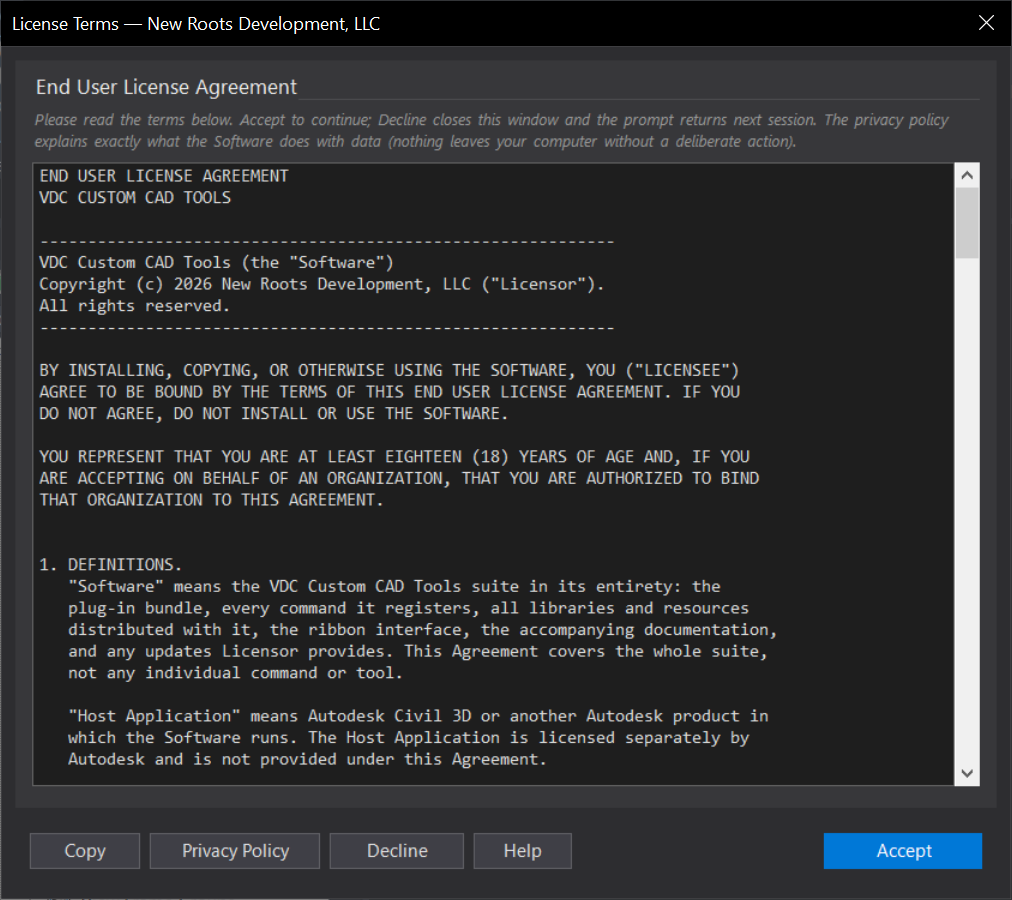
- The first session a Windows user starts with the suite loaded shows the agreement with Accept and Decline. Accept is recorded once per user in
%APPDATA%\VDC\eula-accepted.jsonwith a fingerprint of the accepted text, so a revised agreement prompts again and an unchanged one never nags. - Decline closes the dialog and prints a one-line note; the prompt returns next session. The tools stay available either way, use of the Software constitutes acceptance.
- Afterwards
VDCEULAis a read-only viewer with Copy. - Fleet images whose organization accepted the terms contractually: environment variable
VDC_EULA_PROMPT=0skips the first-run dialog.
VDCPRIVACY, the privacy policy
- Lists, feature by feature, which commands contact the internet, what they send, to whom and why: the update check, Help pages, the Plan Email upload, the public GIS and geodata lookups.
- States what the suite stores under
%APPDATA%\VDCand how to delete it. No telemetry, no accounts, no analytics. - Open Online opens the web copy; Copy puts the text on the clipboard.
- Required by the Autodesk App Store: the policy text must be reachable from inside the app, and the EULA and policy accompany every copy (Publisher Agreement 4.3 and 5.1).
Dialog
VDCEULA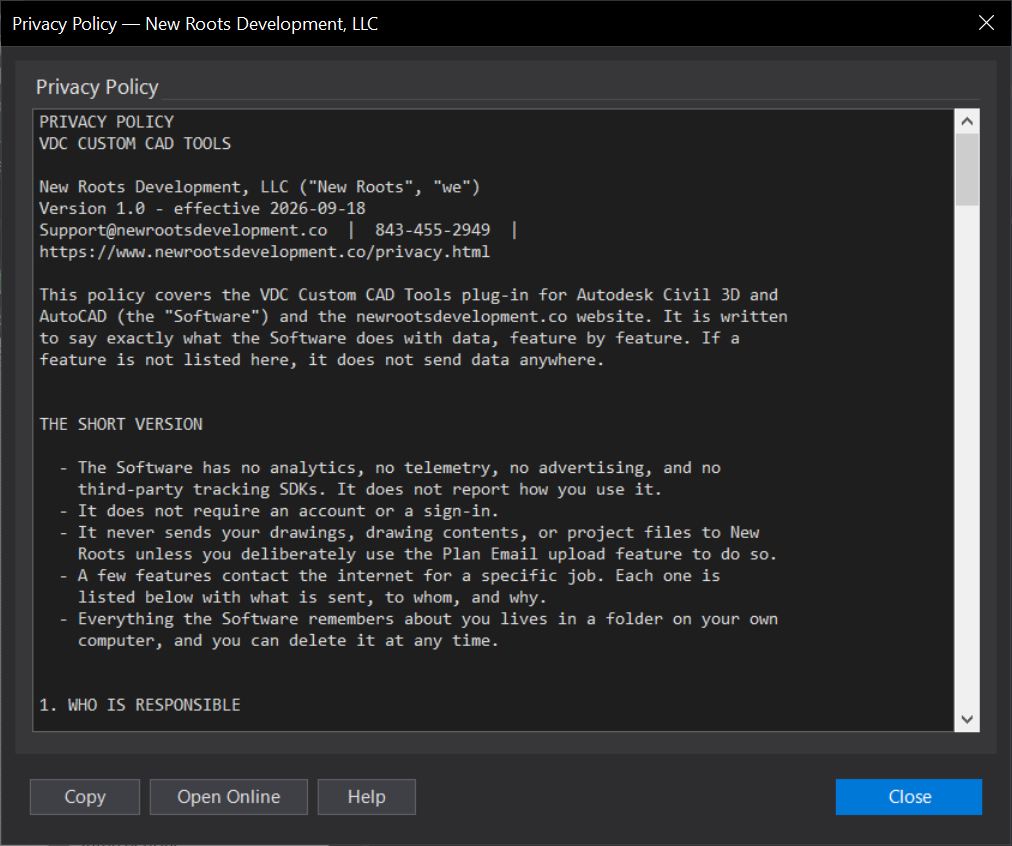
VDCPRIVACY